
The website you always meant to build
Pick an industry, a style and a layout, then your images and a name. Scroll to build one here.
Open Website StudioBread and pastry, baked before sunrise
mochi
Bread and pastry, baked before sunrise
We started in a back street of Porto in 2019. Every loaf is still shaped by hand, and most days we sell out by noon.
Baked this morning
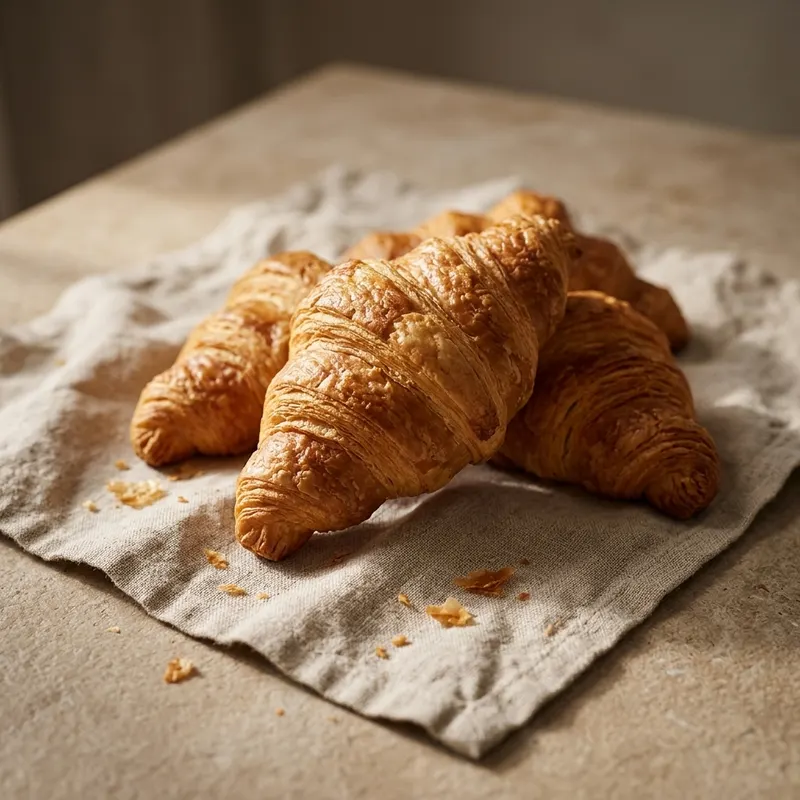
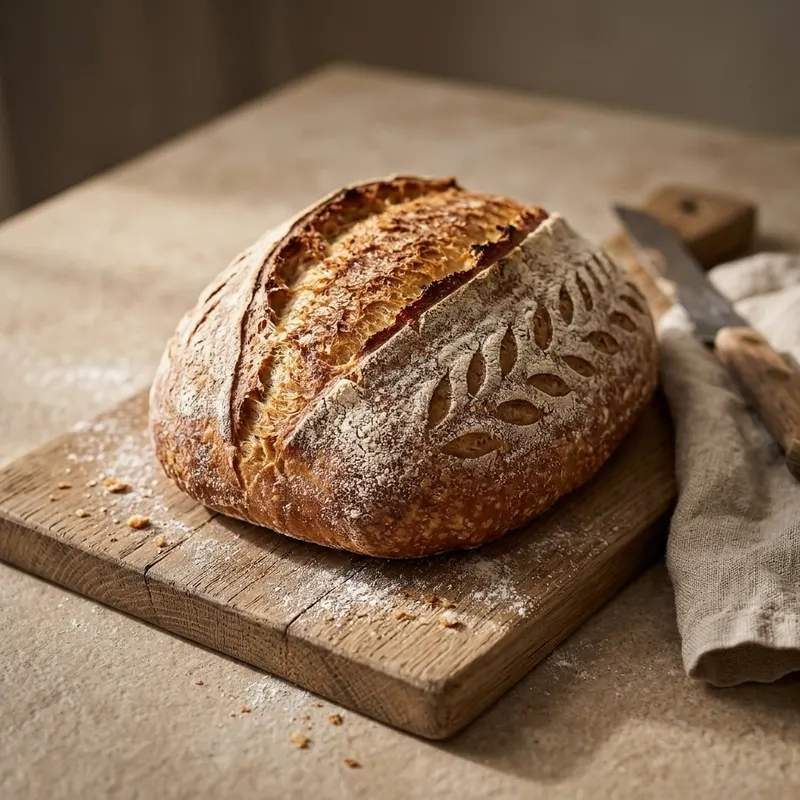
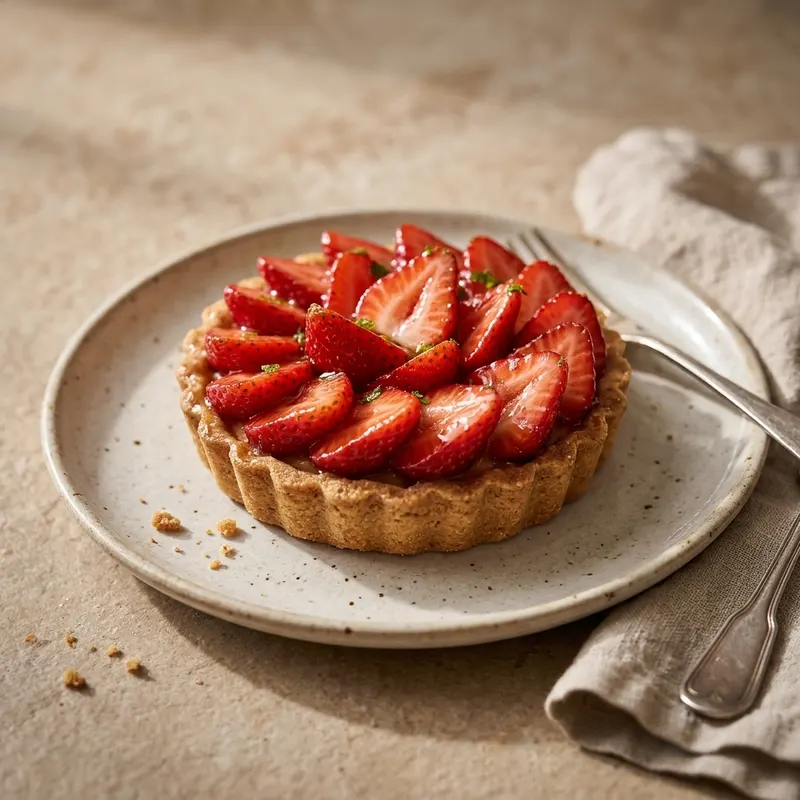
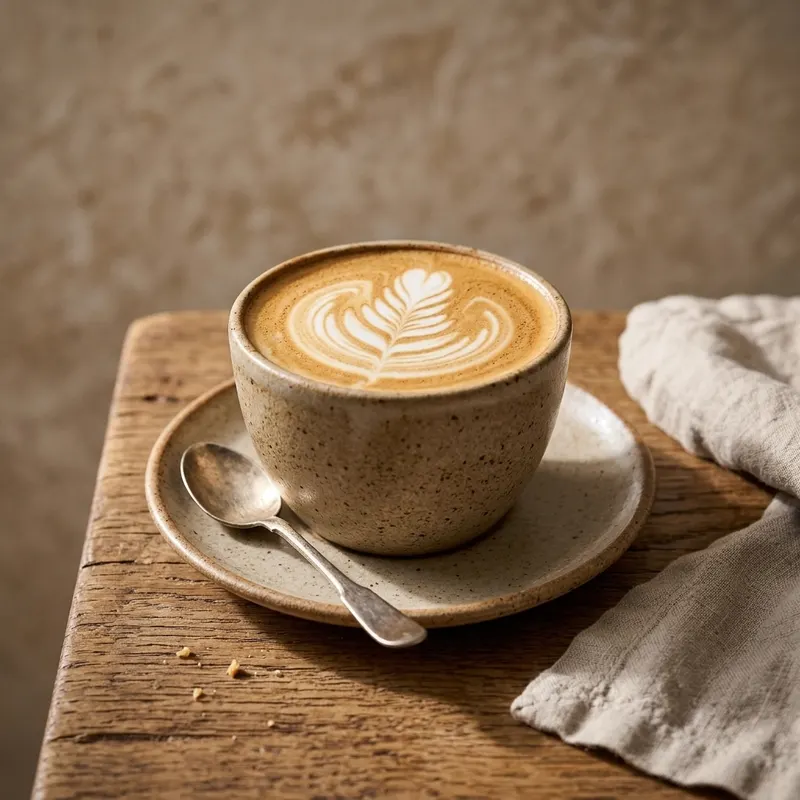
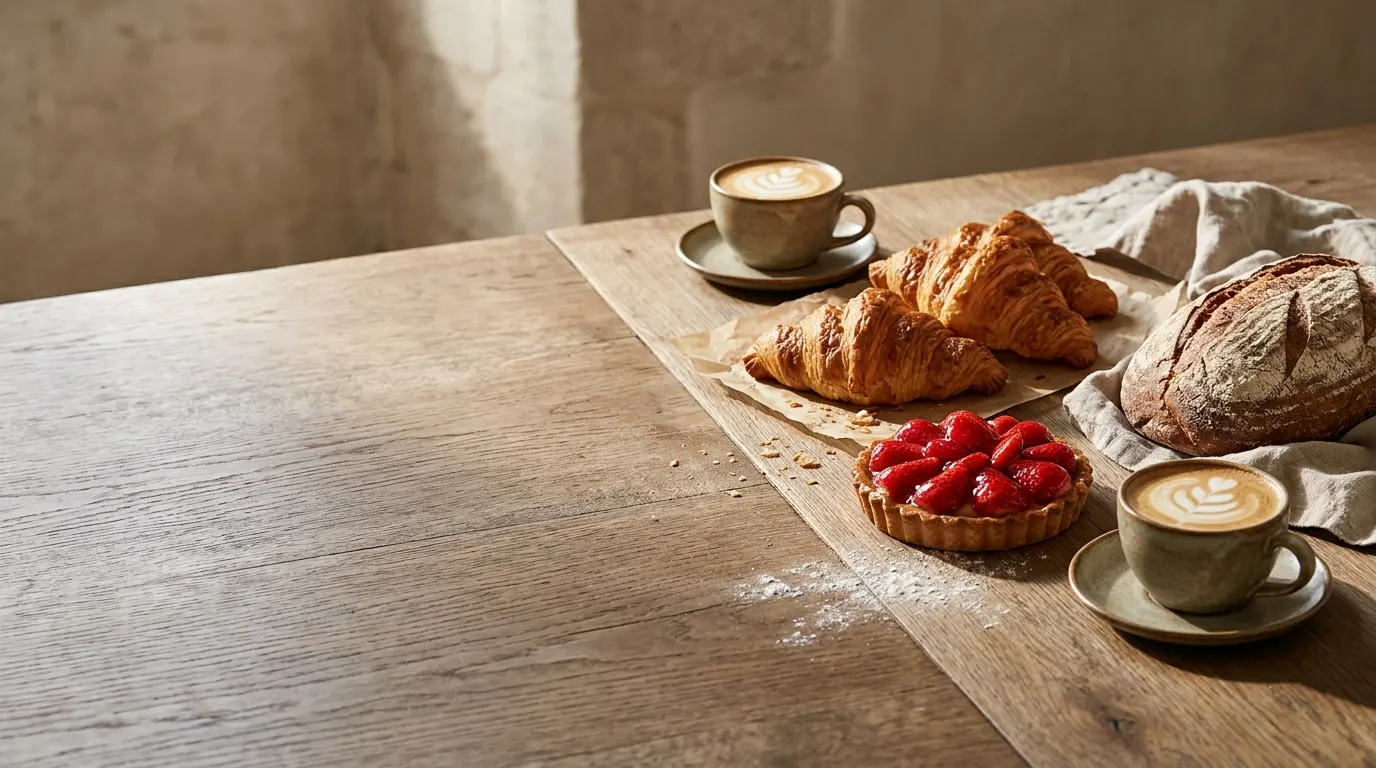
The oven is lit at four, every day
We started in a back street of Porto in 2019. Every loaf is still shaped by hand, and most days we sell out by noon.
Opens7am
BakersThree
Sold outBy noon
Order by six for next-morning pickup
Rua das Flores 12, Porto. Open 7am to 3pm, closed on Mondays.
Order for pickupMOCHI
Small batches from one oven, on the counter by seven.
See the menuBaked this morning
The oven is lit at four, every day
We started in a back street of Porto in 2019. Every loaf is still shaped by hand, and most days we sell out by noon.
Opens7am
BakersThree
Sold outBy noon
Order by six for next-morning pickup
Rua das Flores 12, Porto. Open 7am to 3pm, closed on Mondays.
Order for pickupFresh bread
Small batches from one oven, on the counter by seven.
See the menuBreadPastryWe started in a back street of Porto in 2019. Every loaf is still shaped by hand, and most days we sell out by noon.
Rua das Flores 12, Porto. Open 7am to 3pm, closed on Mondays. Order by six for next-morning pickup.
Baked this morning
The oven is lit at four, every day
We started in a back street of Porto in 2019. Every loaf is still shaped by hand, and most days we sell out by noon.
Opens7am
BakersThree
Sold outBy noon
Order by six for next-morning pickup
Rua das Flores 12, Porto. Open 7am to 3pm, closed on Mondays.
Order for pickupSmall batches from one oven, on the counter by seven.
mochi
See the menu →Est. 2019, PortoBaked this morning
The oven is lit at four, every day
We started in a back street of Porto in 2019. Every loaf is still shaped by hand, and most days we sell out by noon.
Opens7am
BakersThree
Sold outBy noon
Order by six for next-morning pickup
Rua das Flores 12, Porto. Open 7am to 3pm, closed on Mondays.
Order for pickupAlready live. Sites creators made in Website Studio
 01FIZZ (opens in a new tab)
 02Natura History Museum (opens in a new tab)
 03The Last Hearth of the Sky (opens in a new tab)
 04Piano Flow (opens in a new tab)
 05VALENCE (opens in a new tab)
 06Planet Jumping (opens in a new tab)
 07Tidewell (opens in a new tab)
 08The Cartographer of Downpours (opens in a new tab)
 09Orbit Dash (opens in a new tab)
 10Cast & Render (opens in a new tab)
57 sites are on Discover, counted 23 October 2026.Browse Discover
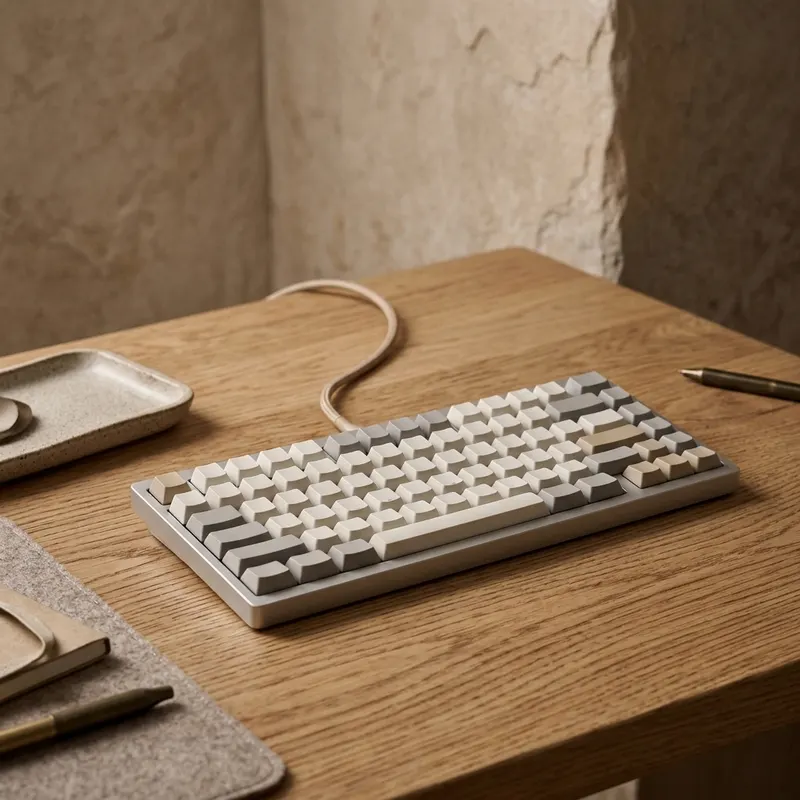
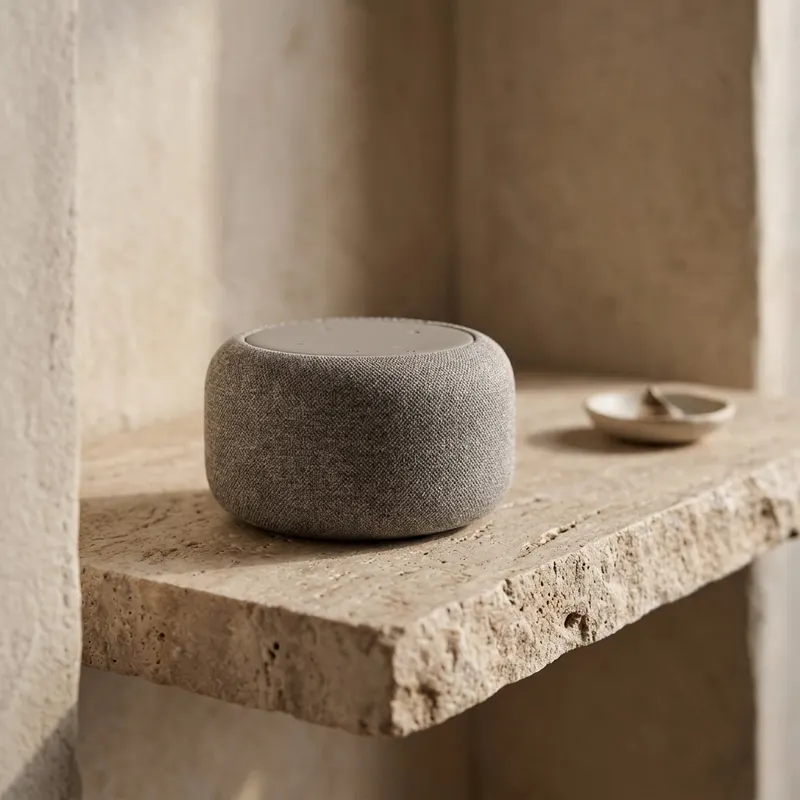
Make the photos first. In the same studio as your site
Every image and clip you make in OptimAI Studio is in your assets when you build. Nothing to download or upload again.
Make product photos in OptimAI Studio (opens in a new tab)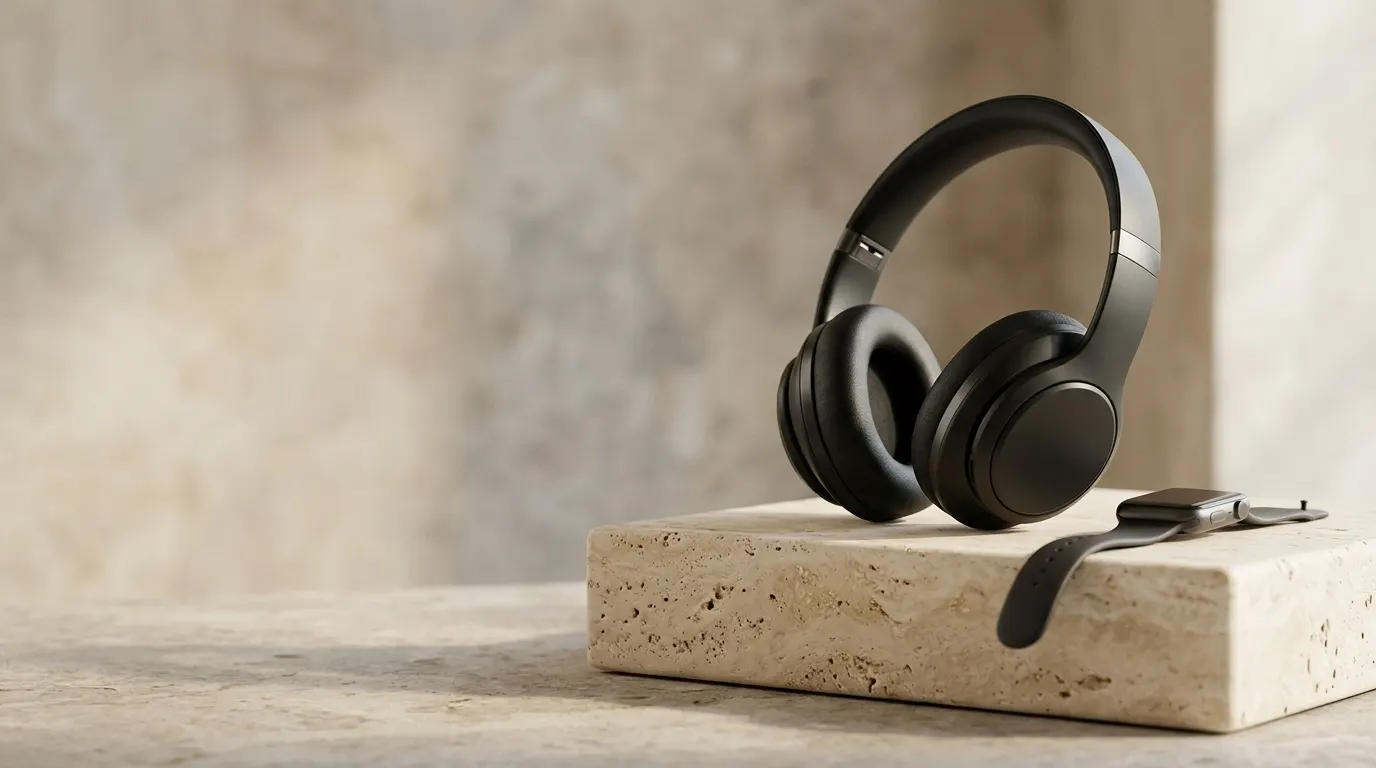 Image
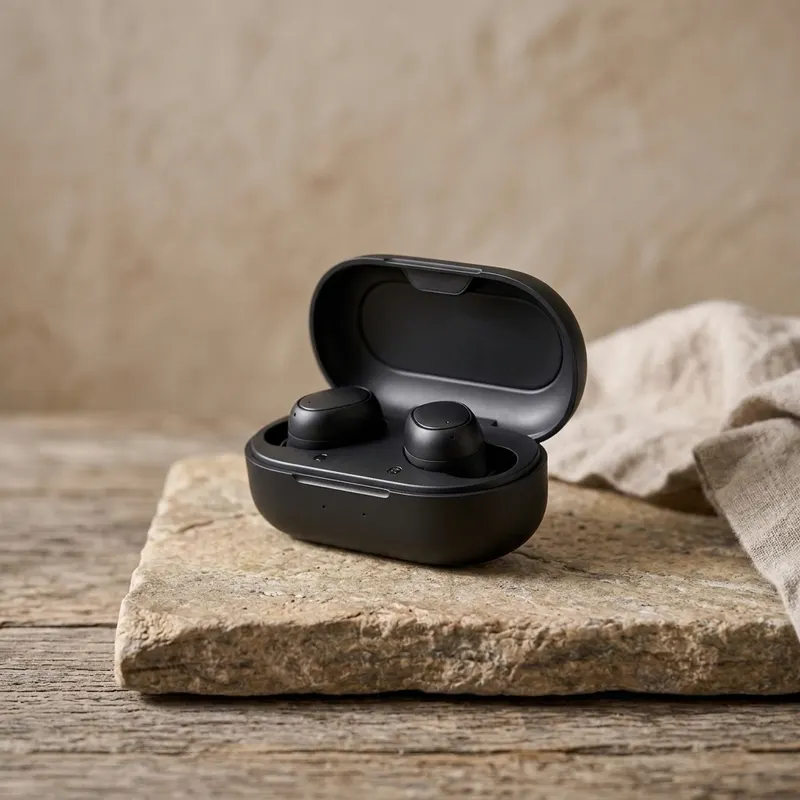 Image
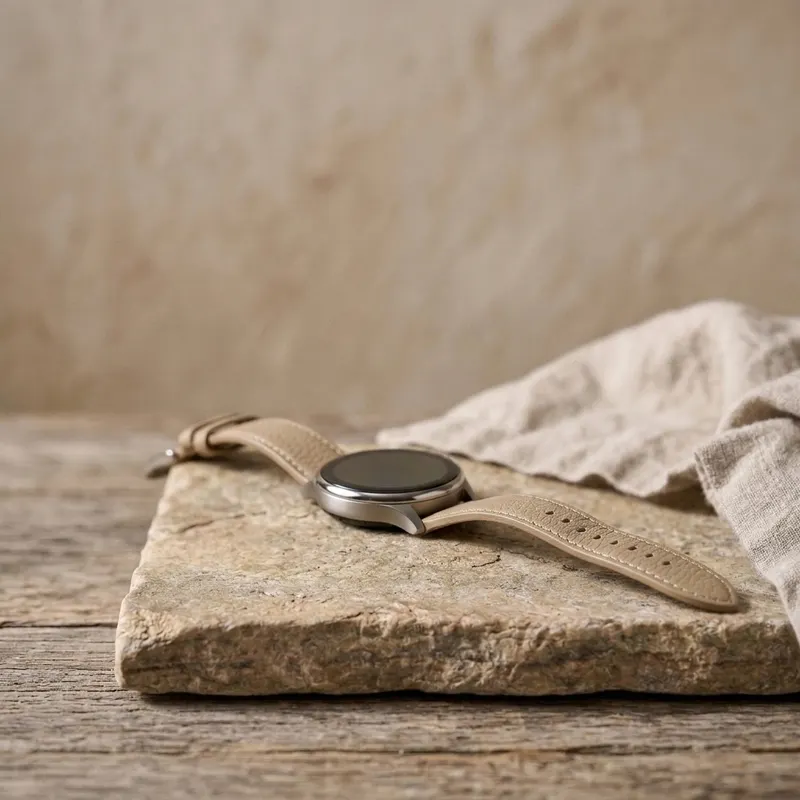 Image
 Image
 Image
 Image
Change one section by asking. Then check it on a phone
Select a part of the preview and say what to change there. Switch to the phone view before you publish.
Section Footer
Add our opening hours and a contact link to the footer.
Changed the footer: opening hours and a contact link.
Selected section Hero
Use the cliff photo in the hero and make the title bigger.
Not sent yet.
Rooms above the sea
Book a room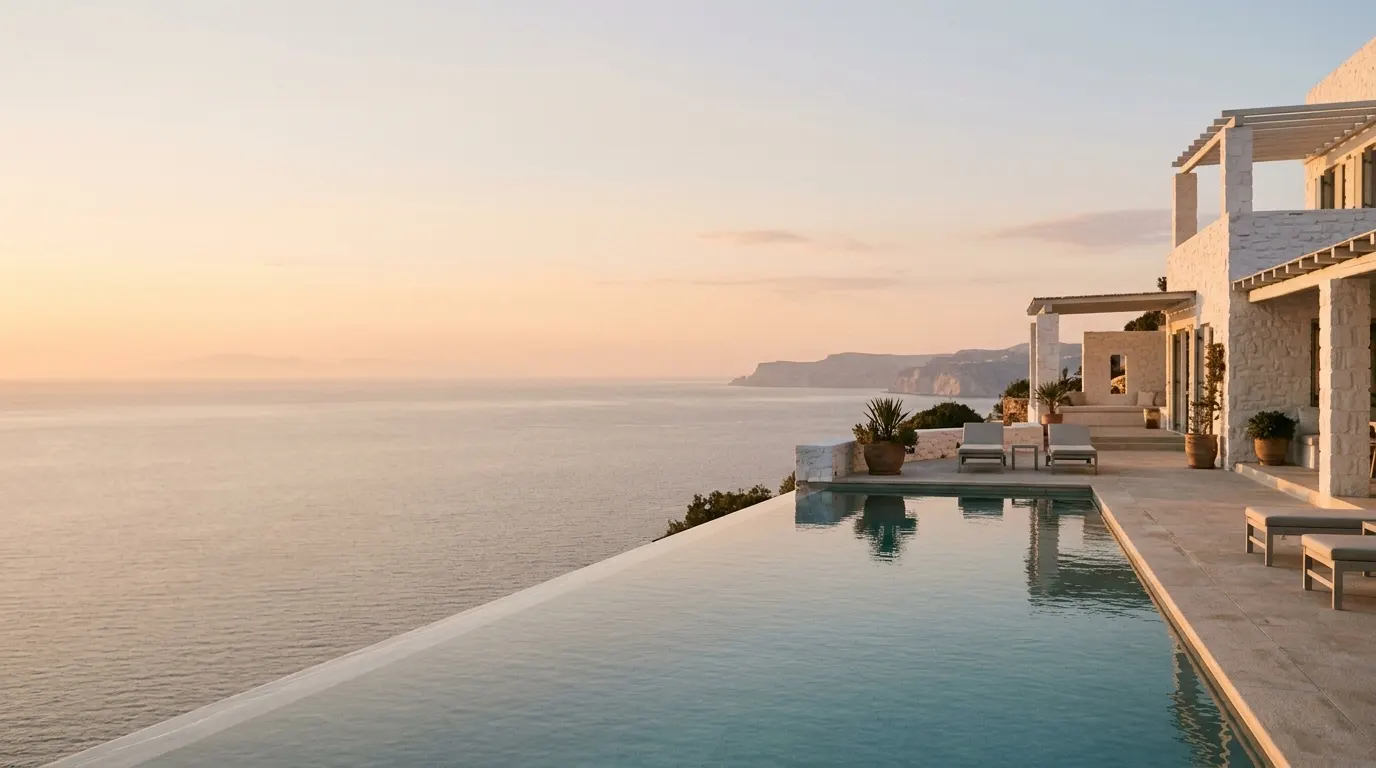
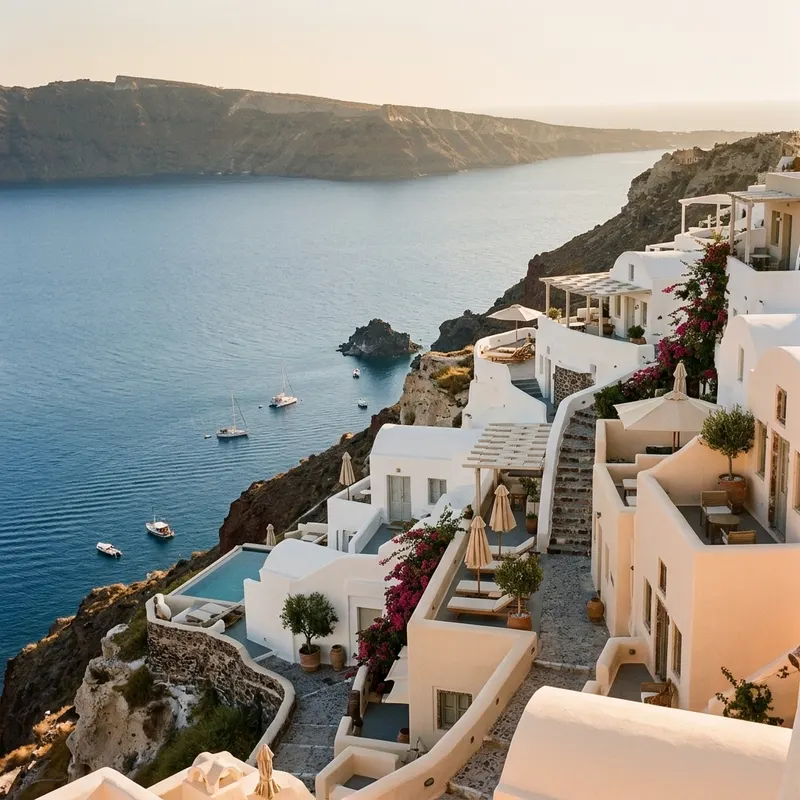
Rooms above the sea
Book a room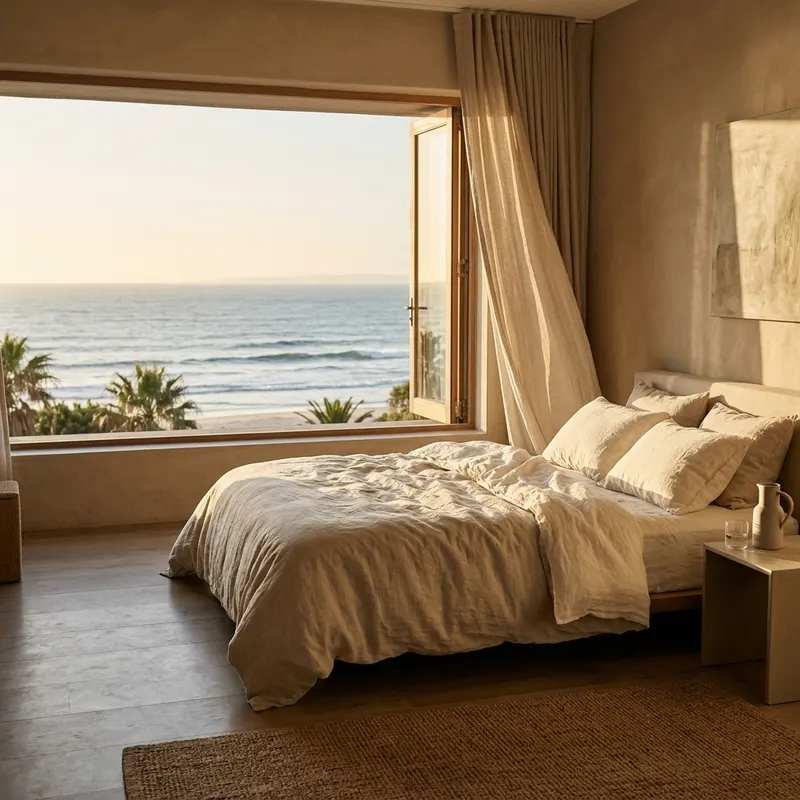 Sea room
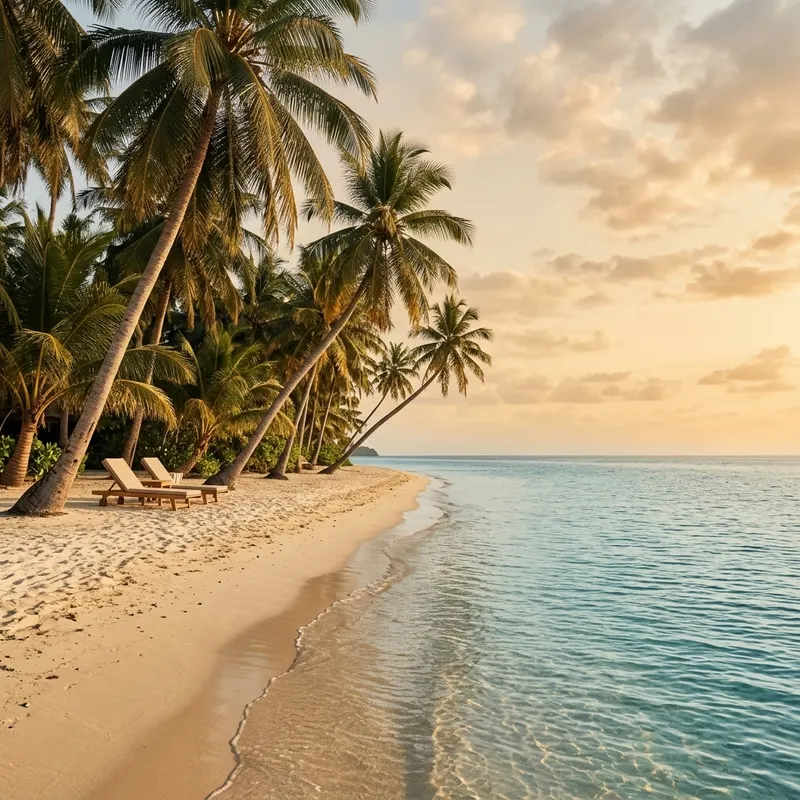 The beach
Breakfast on the terrace until noon.
See the price first. Nothing runs until you say so
- Quote first
- Every build, edit and publish shows its credit cost before it runs.
- Free to start
- Basic gives you daily free credits for eligible building, editing and publishing.
- Basic$0freeDaily free credits1 GB storage
- Premium$15a month20,000 credits a month50 GB storage
- Premium+$35a month50,000 credits a month500 GB storage
Compare plans in the appPrices as of 14 October 2026. Taxes may apply.
Before you start. Four short answers
Do I need to make something in Studio first?
No. Start from a template or one line. When you have images or clips in your assets, pick them for the site.
Can I publish on the free plan?
Eligible building, editing and publishing can use your daily free credits. The app shows the quote before you go ahead.
Can I build a site with motion?
Yes. Describe the transitions and animation you want, then check the result on a phone. Creators have published small games too, like Orbit Dash.
Can someone copy my site?
Others can reuse your prompt only if you share it, and using a shared prompt costs them credits. Private prompts stay private.
Start with a template. Or your own photos
Basic is free, with daily credits.
 AtelierEditorial
 ShowcaseProduct
 SignatureCinematic
 SignatureEditorial
 SumiIllustration
 WorldsAtmosphere